
Real screens from the product, running on a demo business with made-up data. Pick a screen from the list to see what it shows and what to look for.
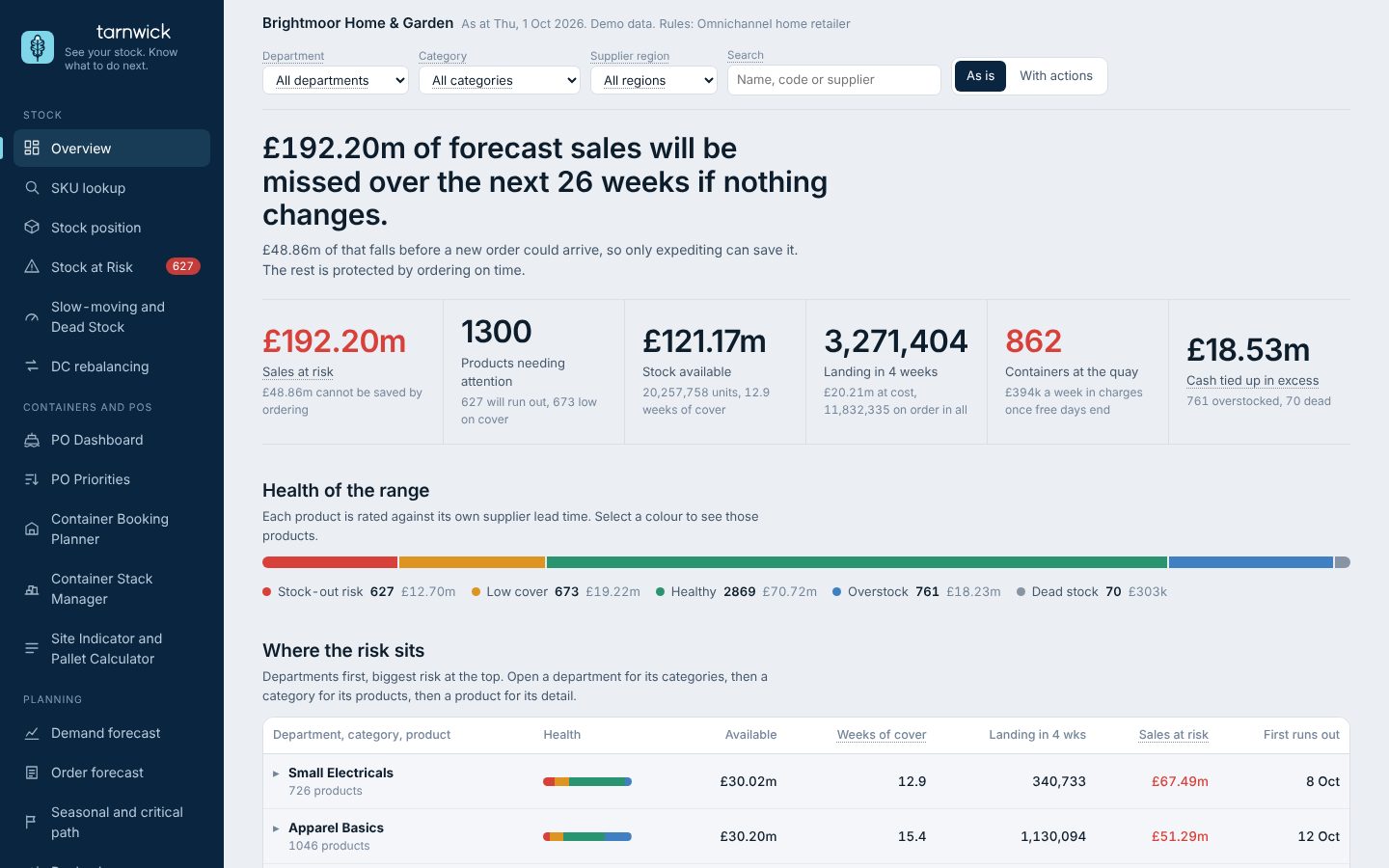
One page for where you stand: a 26-week view of stock, inbound and forecast sales, with peak periods marked.
Demo business with made-up data.
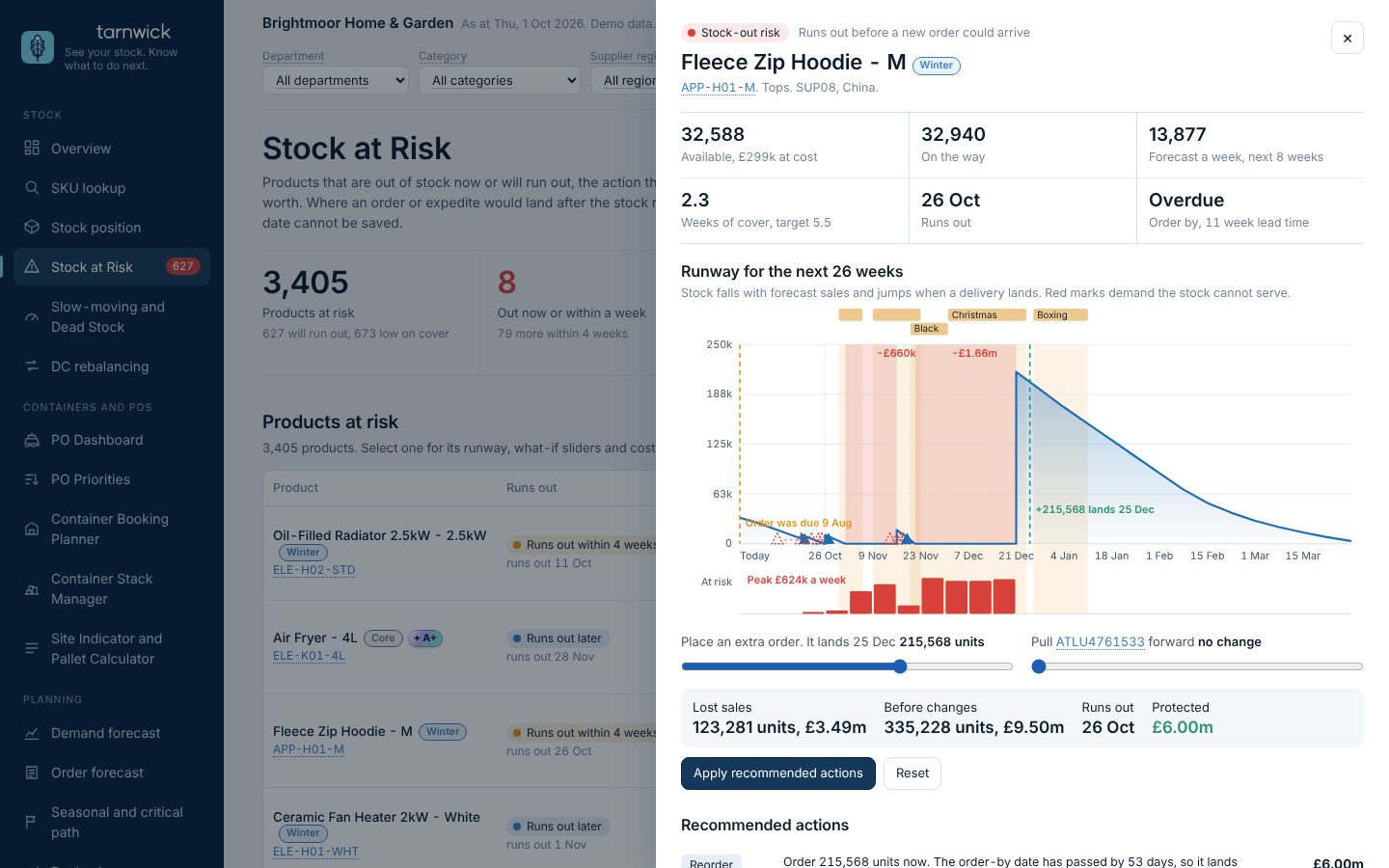
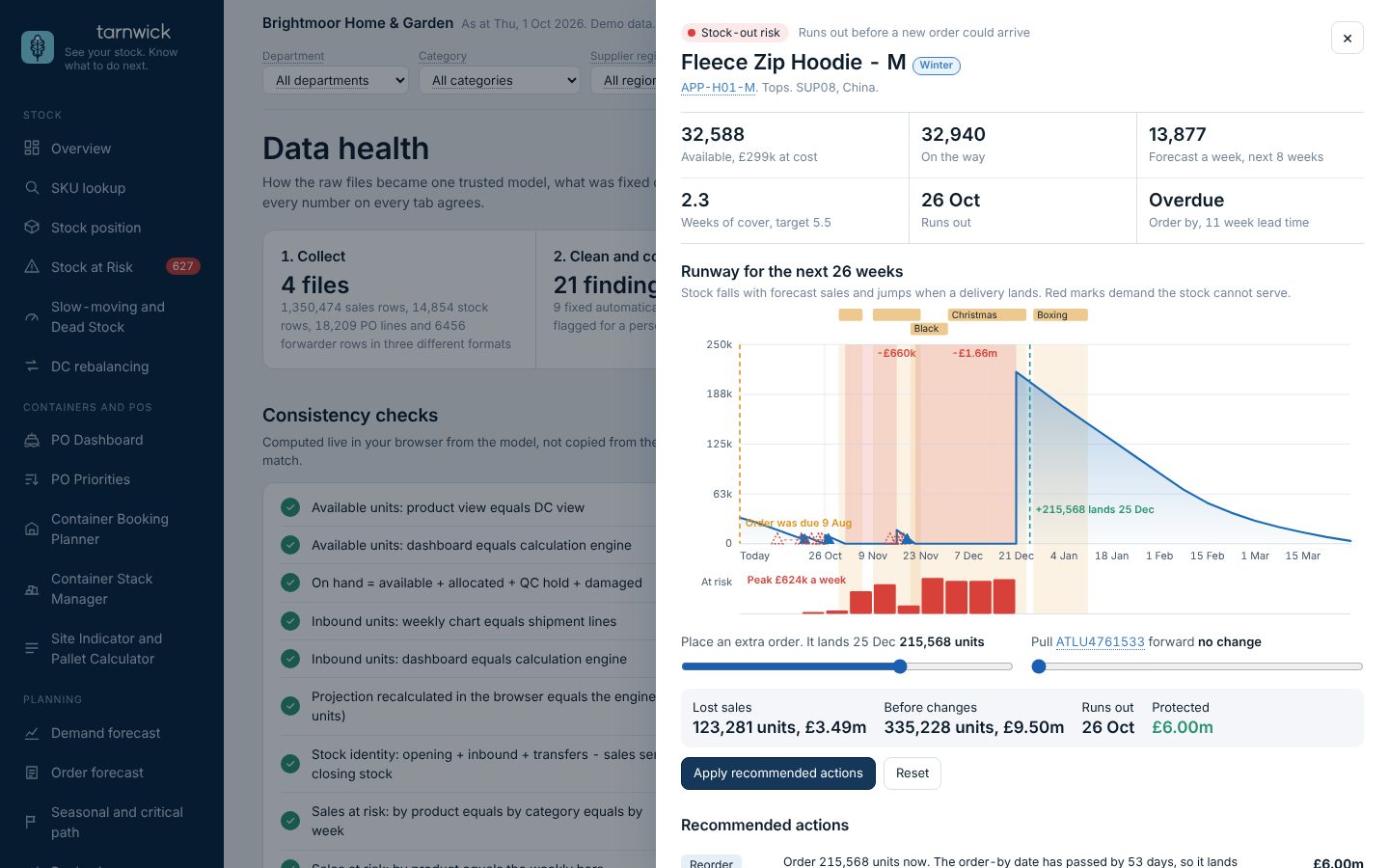
Open any SKU to see its stock runway, the order-by date against its lead time, and what-if sliders.
Demo business with made-up data.
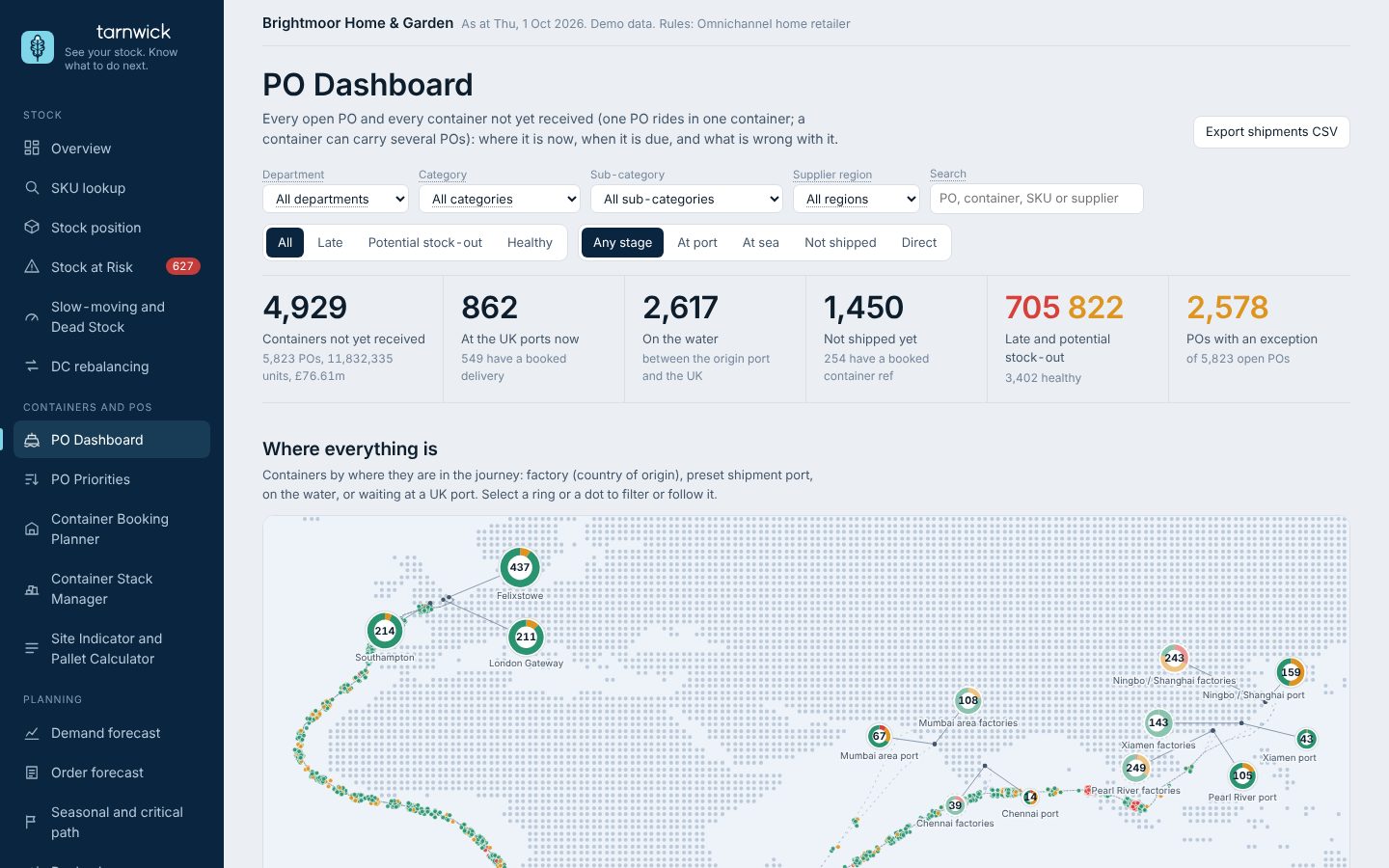
Every PO and container on a map and a timeline, from factory to DC, with the date stock can actually be sold.
Demo business with made-up data.
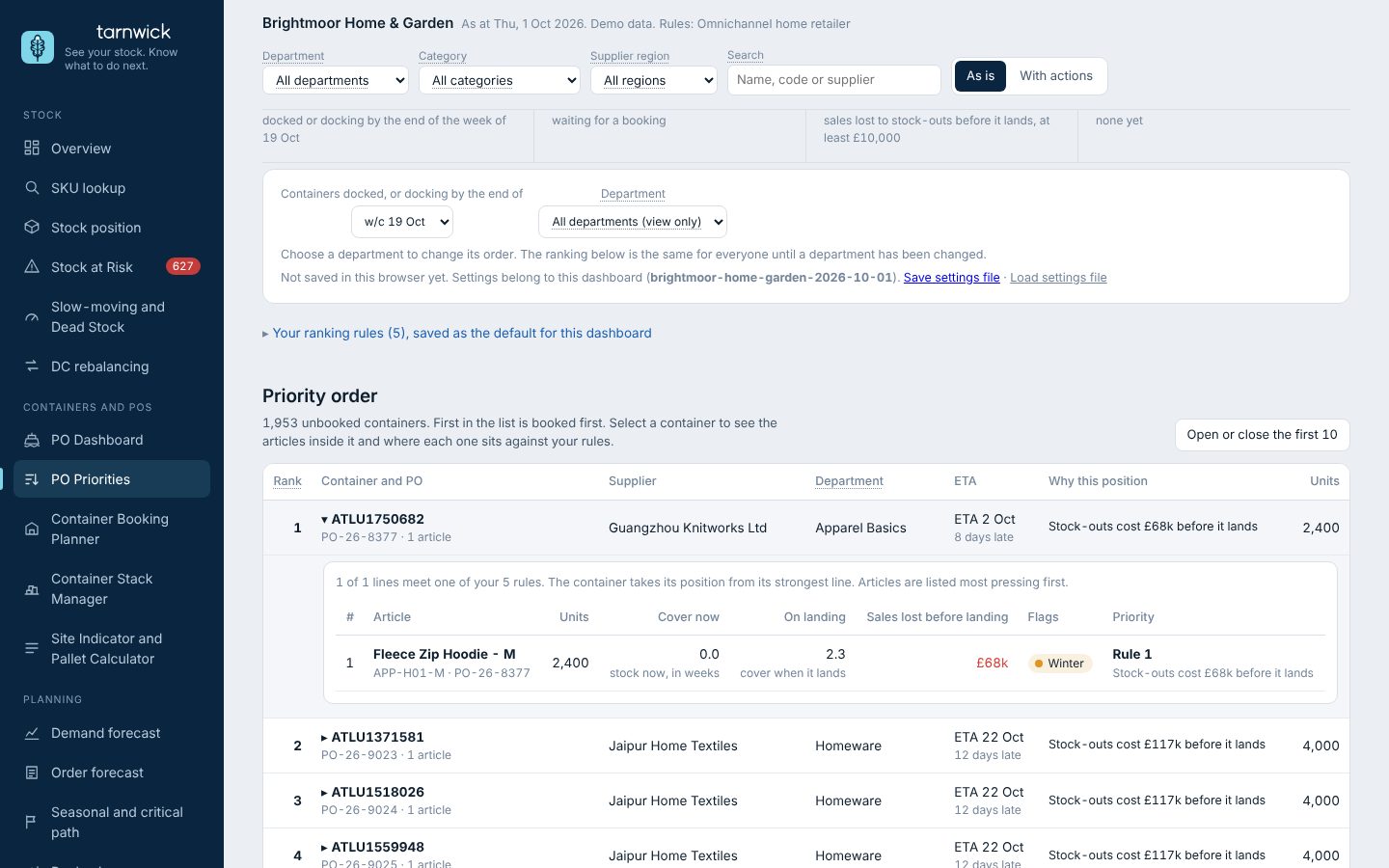
Your ranking rules sort every unbooked container docked or docking by a week you choose. Open a container to see the SKUs inside it and where each sits against your rules.
Demo business with made-up data.
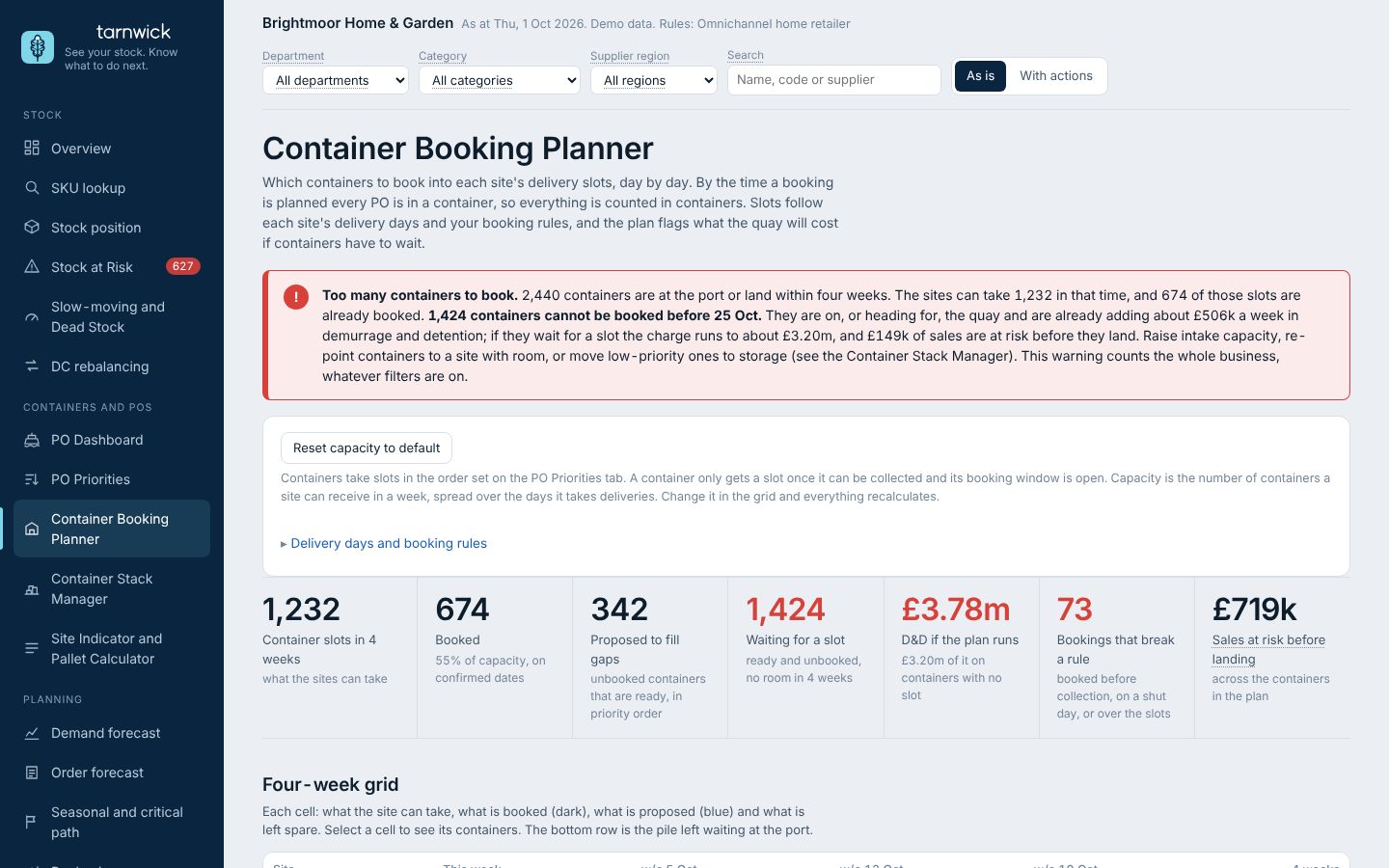
Containers placed into each DC’s delivery slots by day, inside your booking rules.
Demo business with made-up data.
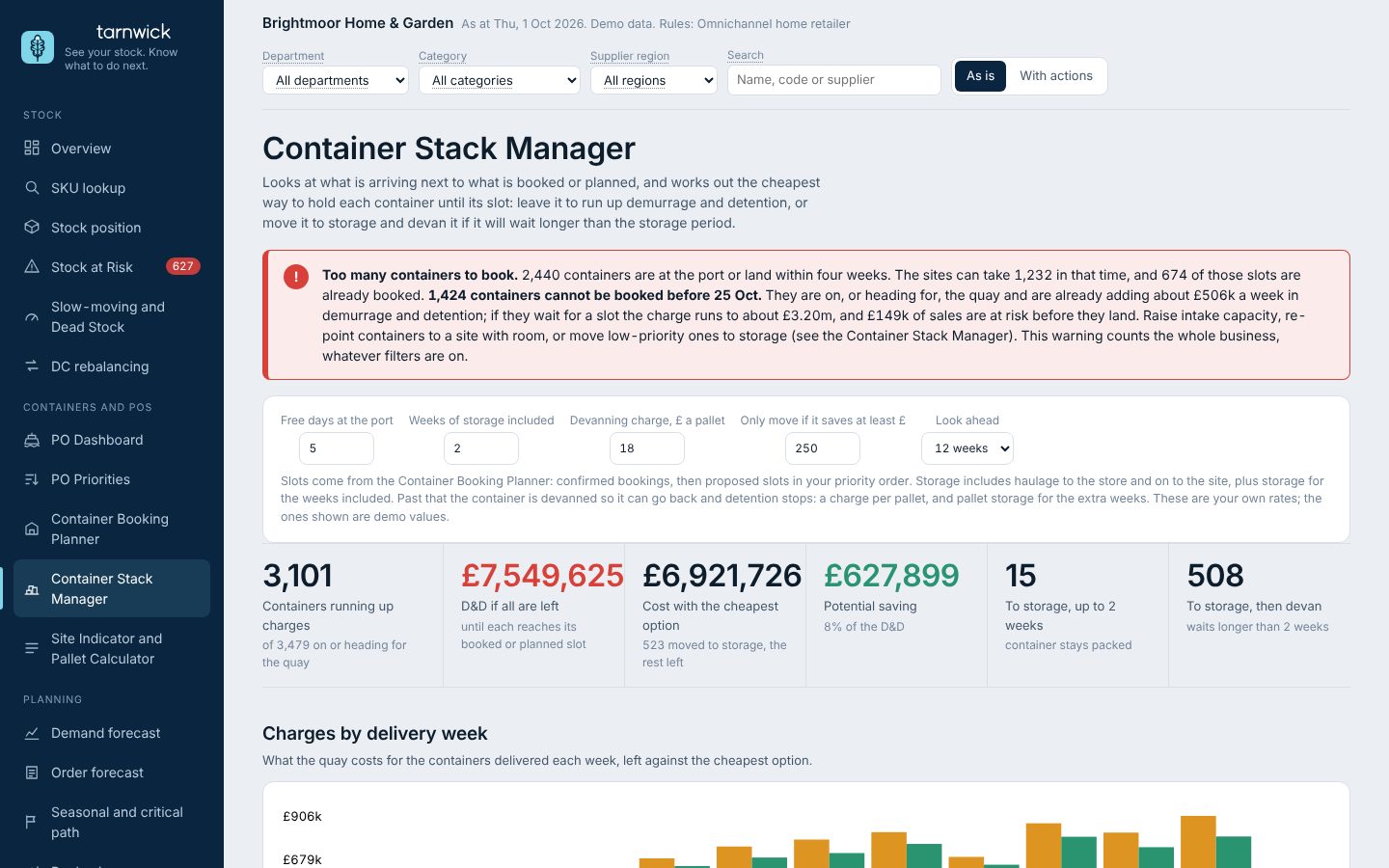
Containers building up at the port with no slot, and what demurrage and detention (D&D) will cost.
Demo business with made-up data.
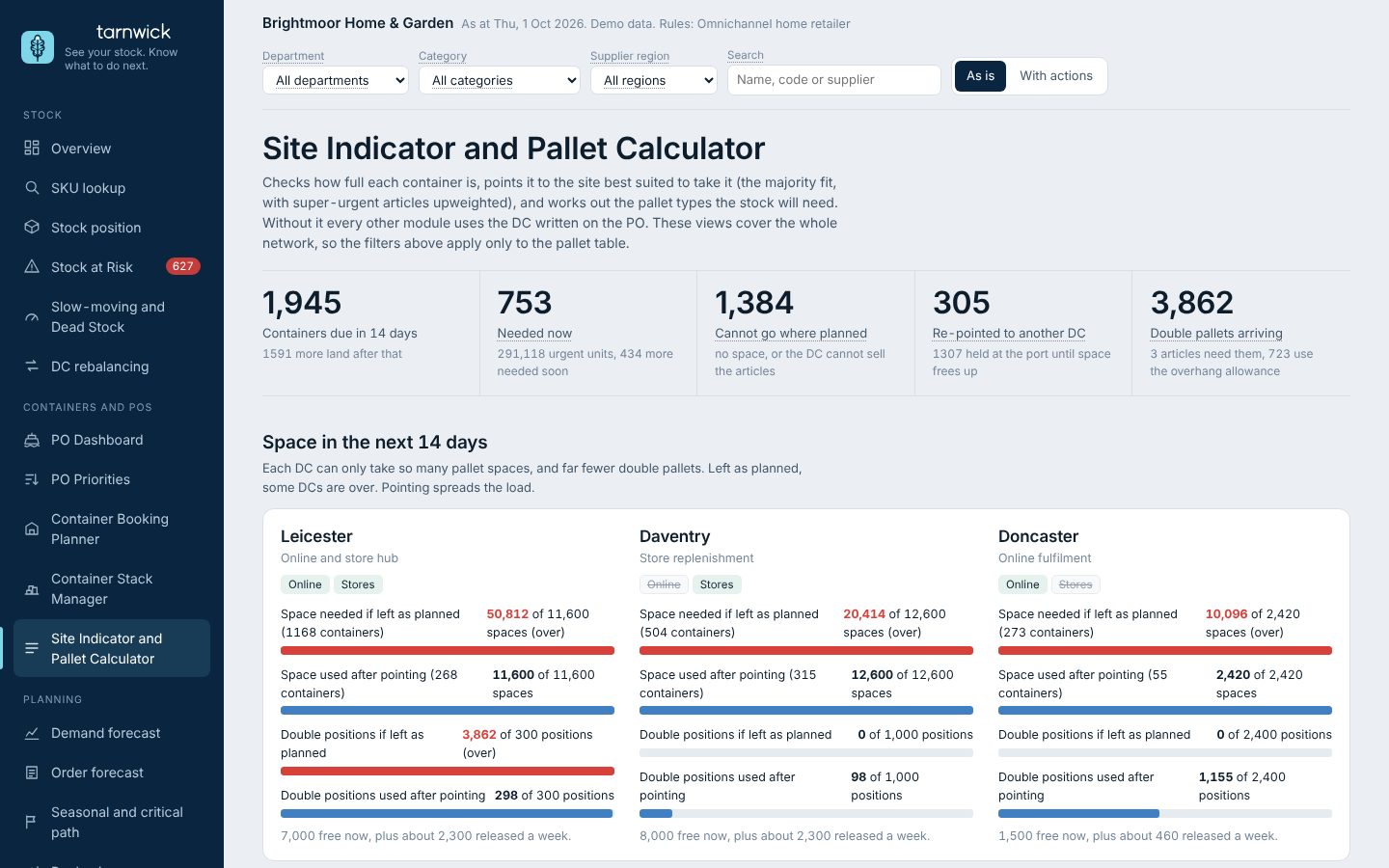
The best DC for each container by fill, and the single, overhang and double pallets each one needs.
Demo business with made-up data.
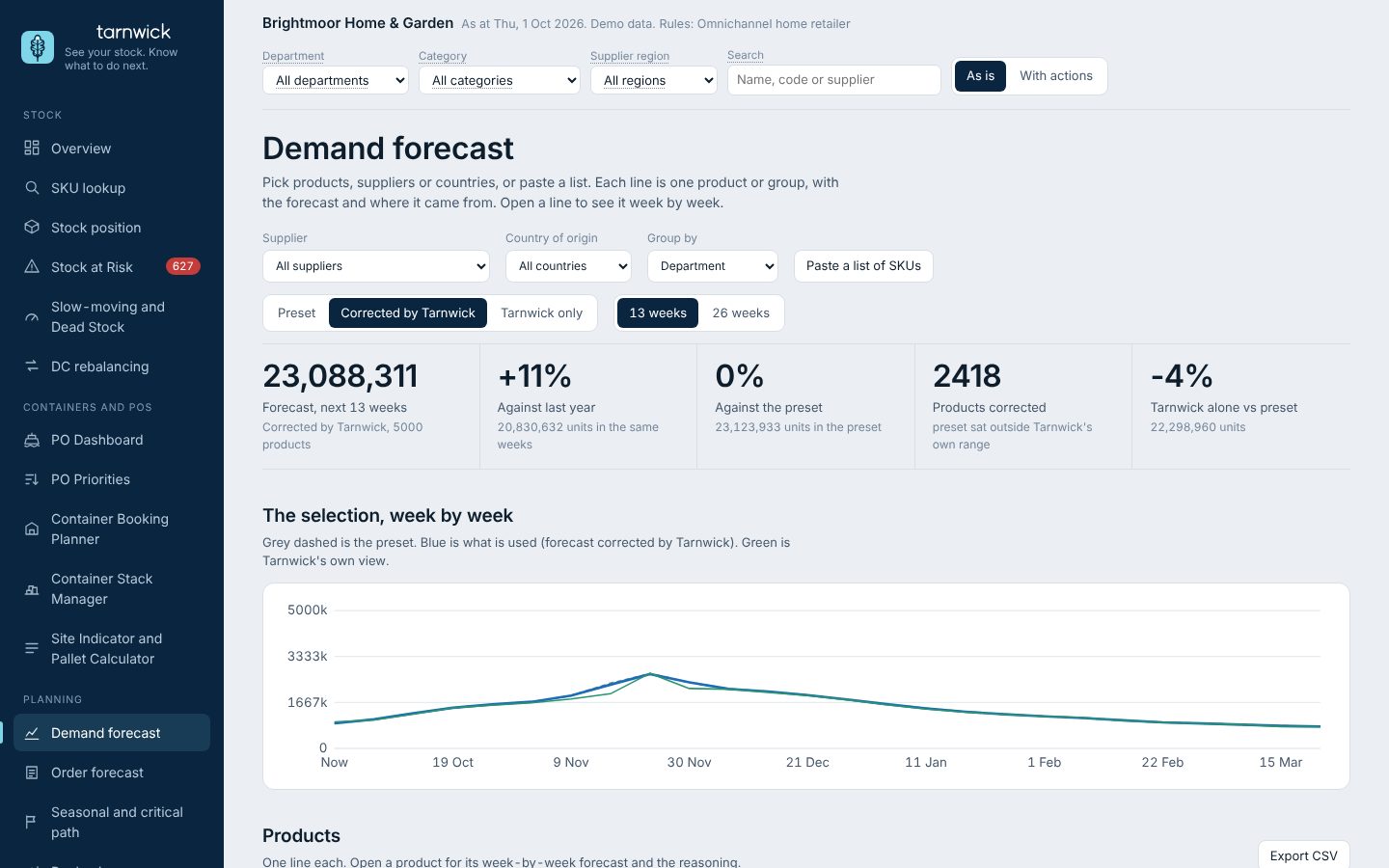
Sales in stock-out weeks understate demand. Tarnwick re-estimates those weeks before forecasting.
Demo business with made-up data.
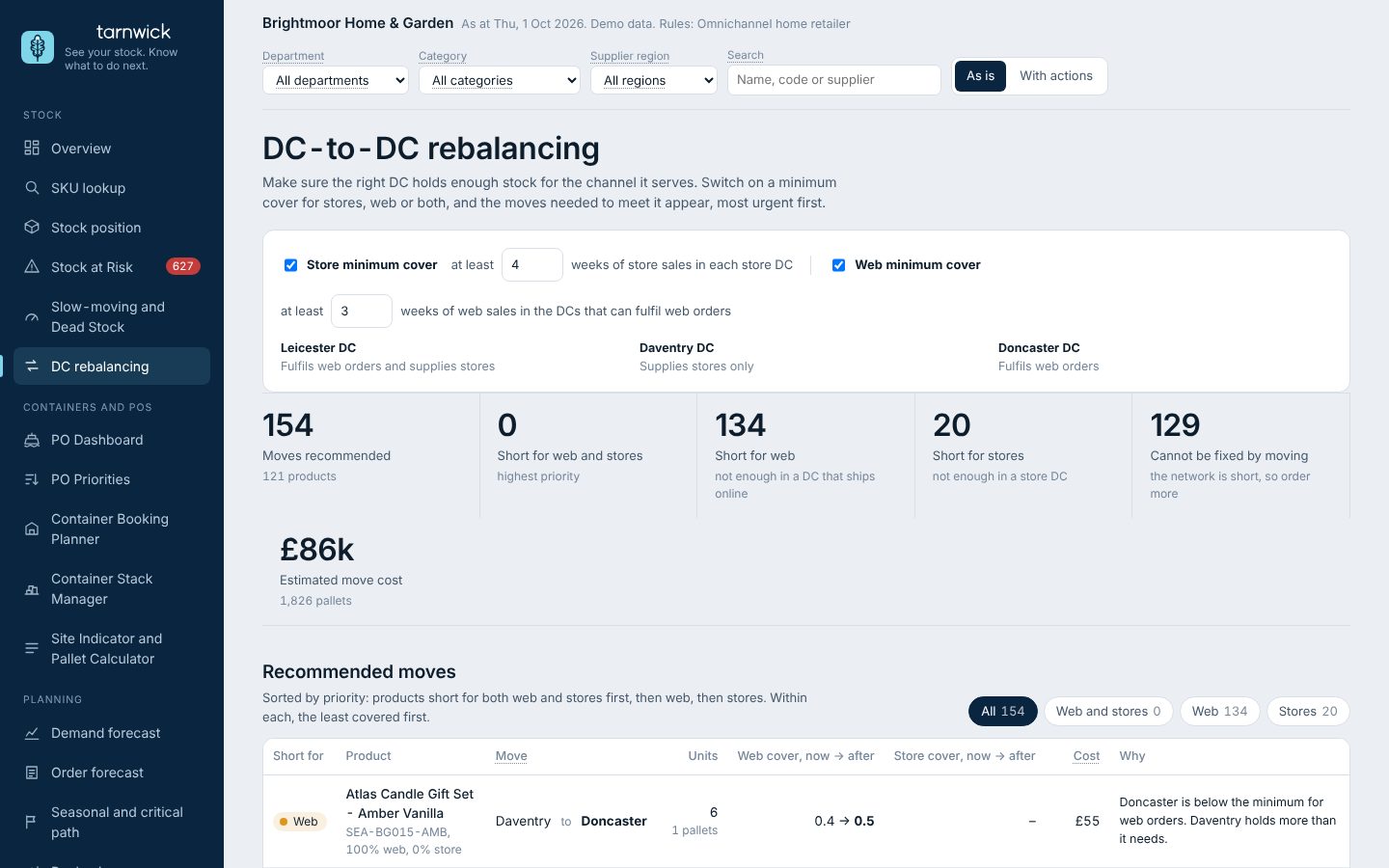
Stock in the DC that can sell it: stranded stock moved in whole cases, with cover before and after.
Demo business with made-up data.
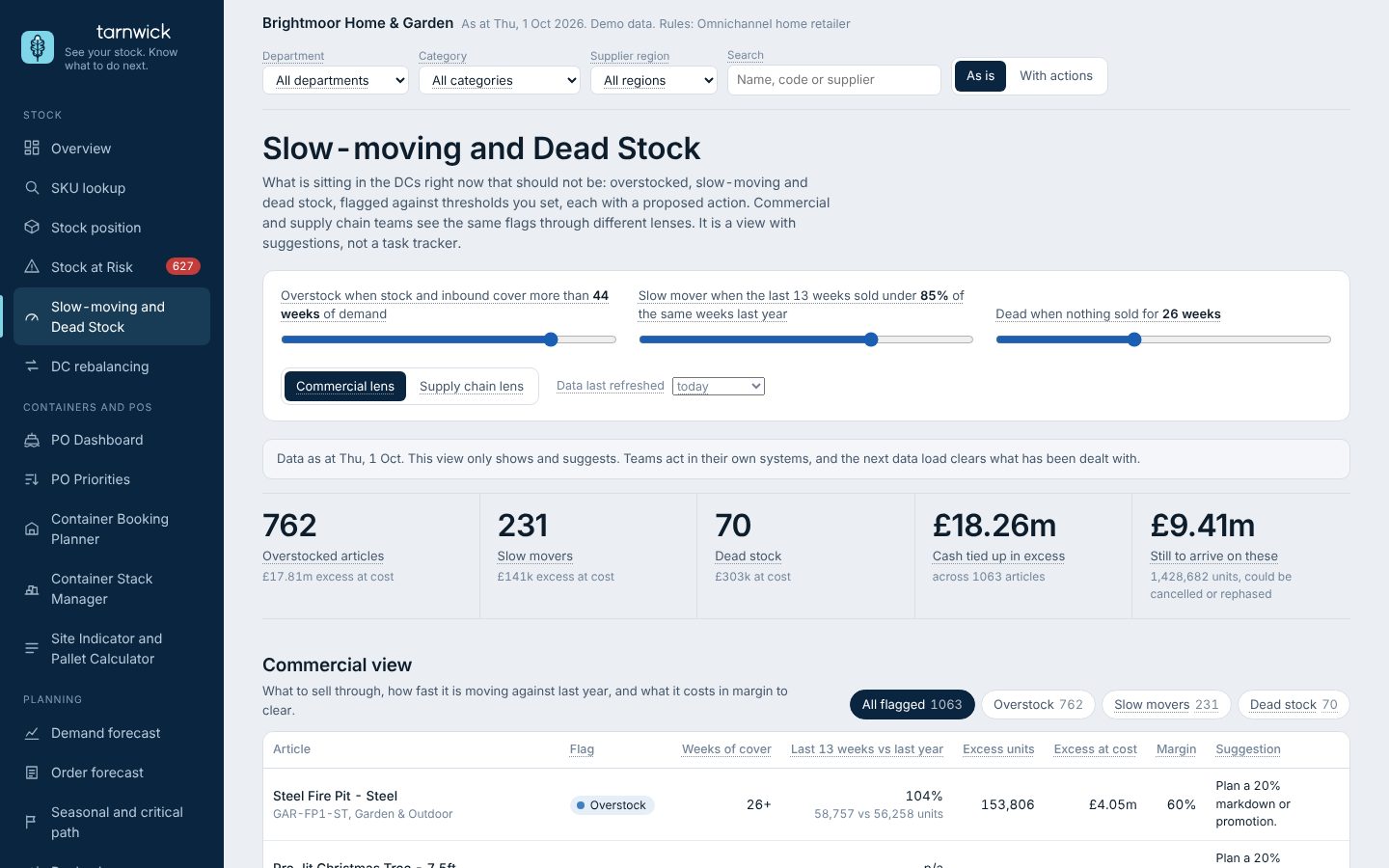
Overstock, slow-moving and dead lines at cost, with what is still on order against them.
Demo business with made-up data.
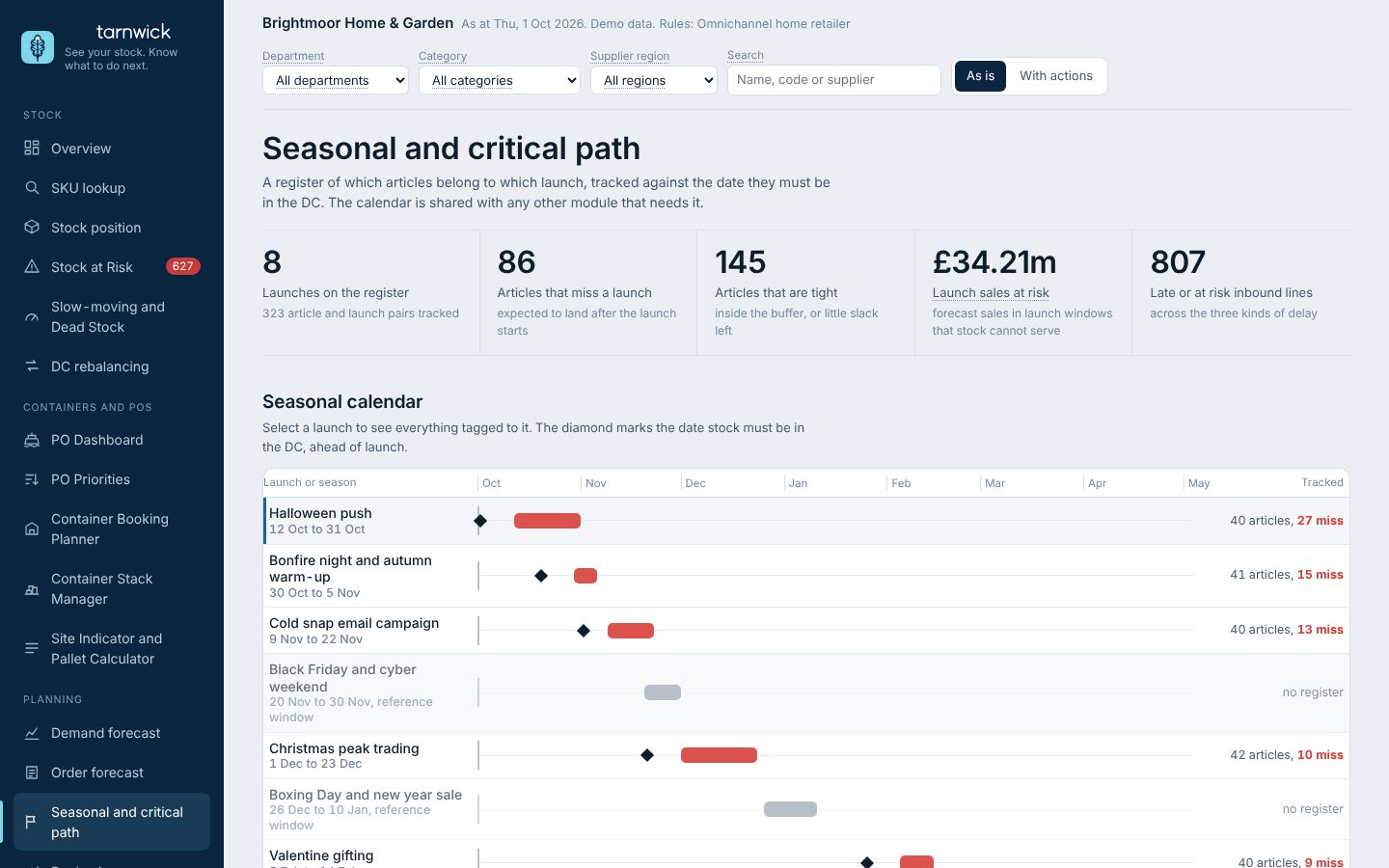
Each launch or event tracked against the date stock must be in the DC.
Demo business with made-up data.
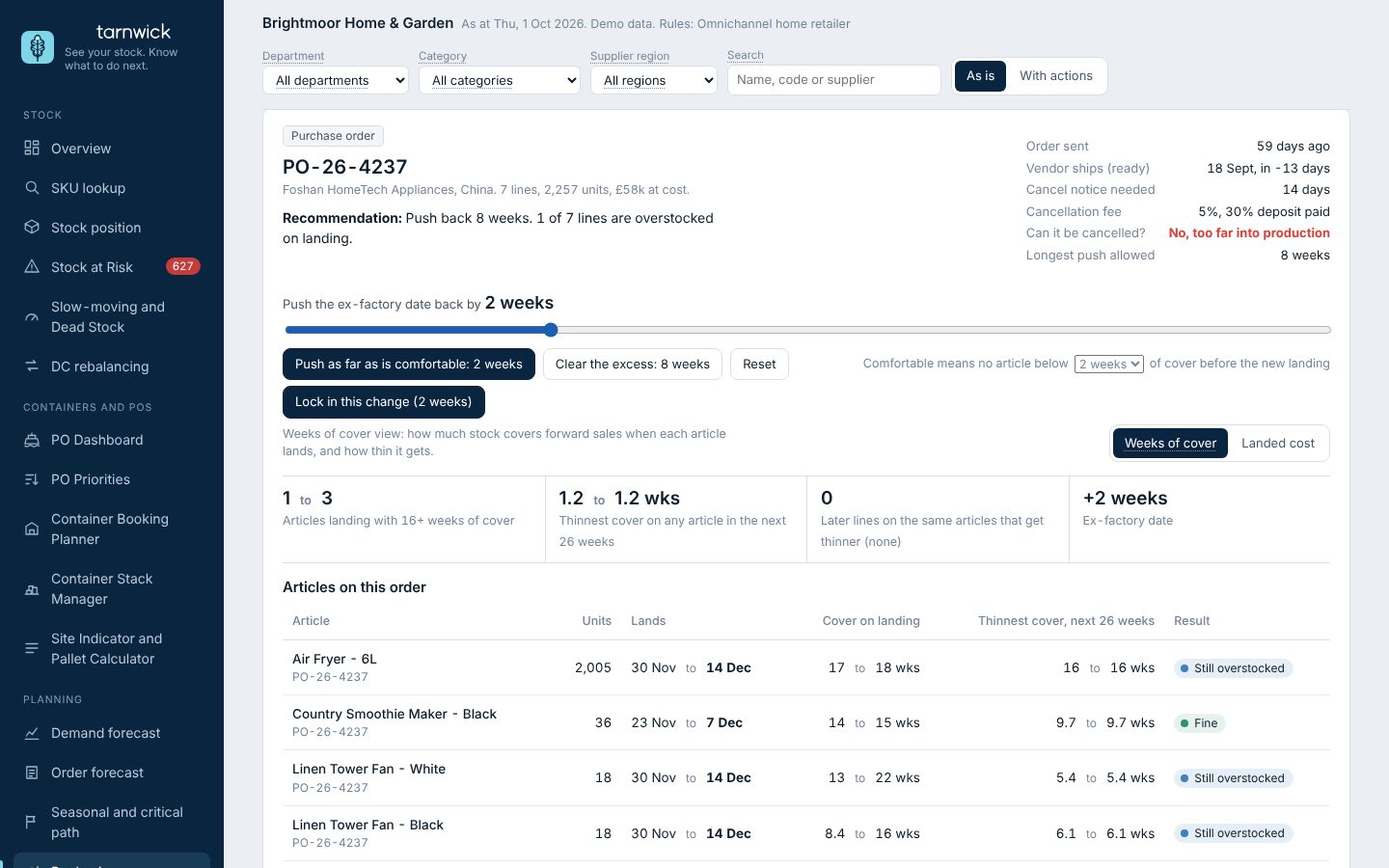
Drag a PO or container back and see WoC on every SKU inside it and on the later POs carrying the same SKUs.
Demo business with made-up data.
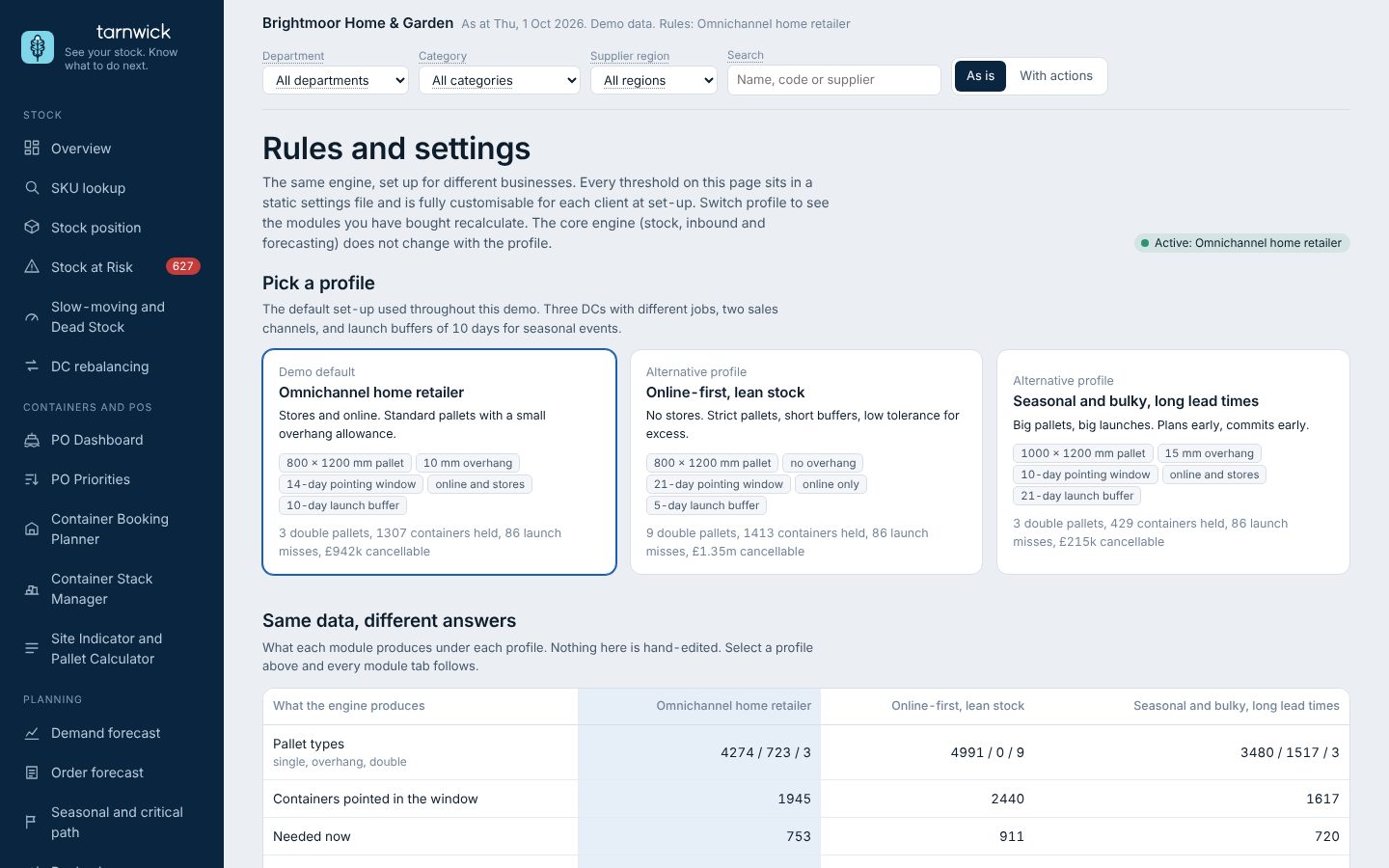
Every threshold in one place, each with an owner, so output matches how your best planner would call it.
Demo business with made-up data.
What was loaded, what was cleaned and what was flagged, so you can trust the numbers.
Demo business with made-up data.
The PO Dashboard shows every purchase order and container on its real route, round the Cape to the UK port, coloured by whether the stock inside will arrive in time. Below the map, pick a container and see the articles, the cover and the date you can act on.
Each container holds several articles. Slide the delay and see which ones run out before it lands.
Try it
These are the same pictures you get in the app, running on made-up numbers for a demo business. Move the sliders.
Excess arrives unnoticed
Slide the ex-factory date, or say how many weeks of cover to leave, and see every article on the PO, what else lands on it, and the open-to-buy month it moves to. Orders that share a container with other lines are flagged, with the departments that still need to agree.
Spot the gap months before it hits
Add an extra order or pull a shipment forward and the runway redraws: the run-out date, the sales you would lose, and what the change protects.
Stock-outs hide real demand
A product that ran out in its peak looks like it sold less. Switch the forecast between what sold and demand corrected for the stock-outs, and compare the error.